Open Steam and find FaceRig in your library. Right-click on it and choose Manage > Browse Local Files.
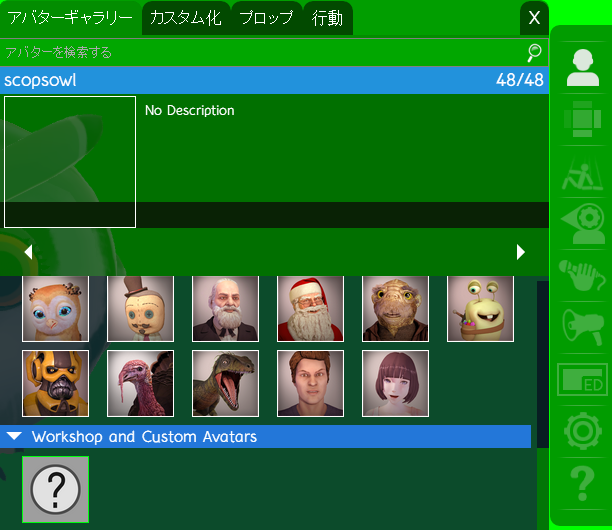
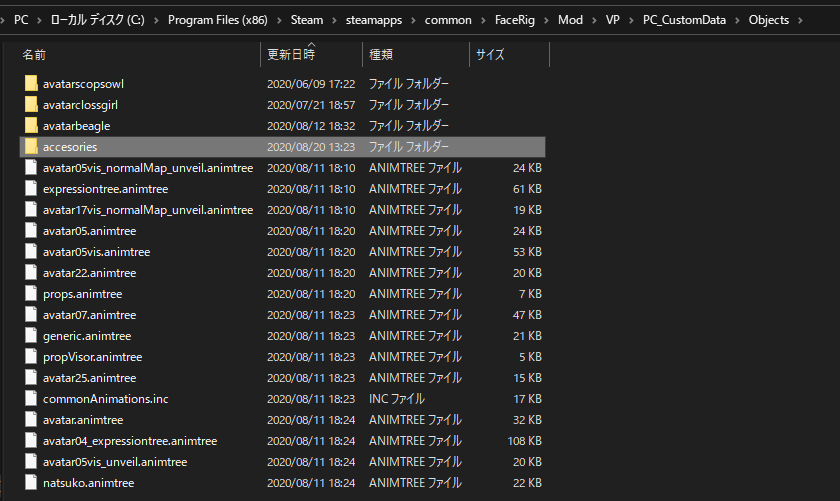
Open FaceRig/mod/VP/PC_CustomData/Object. Delete only the avatar*** (the name of the avatar you want to delete) folder in the folder. It will be removed from the list of avatars in FaceRig.
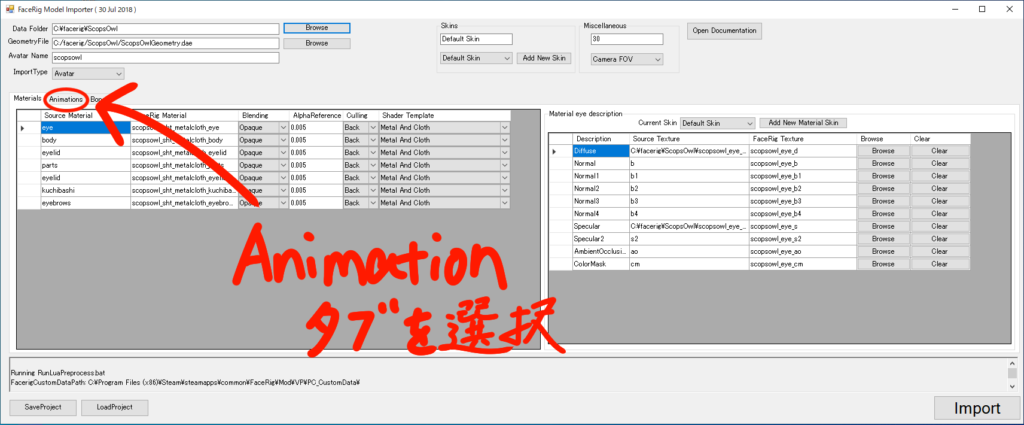
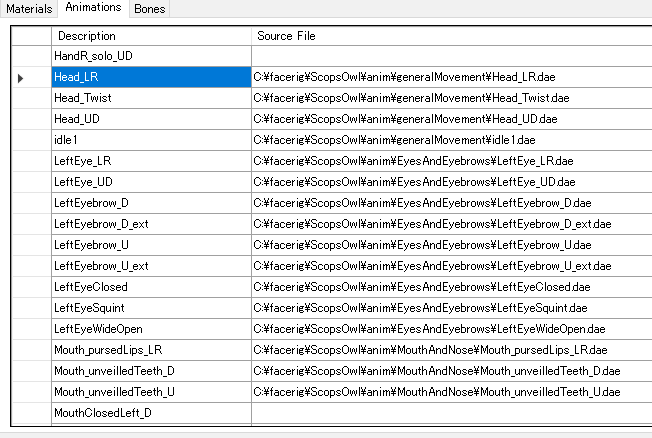
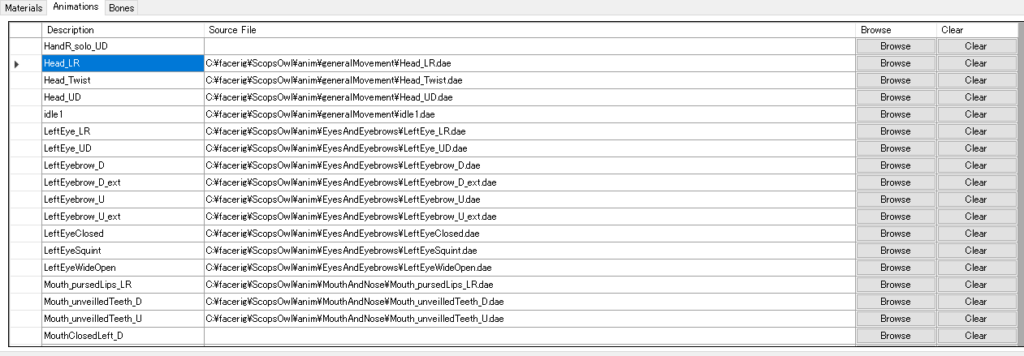
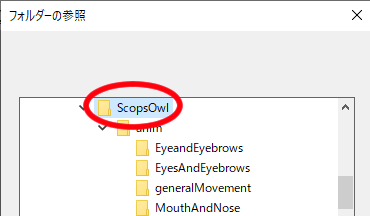
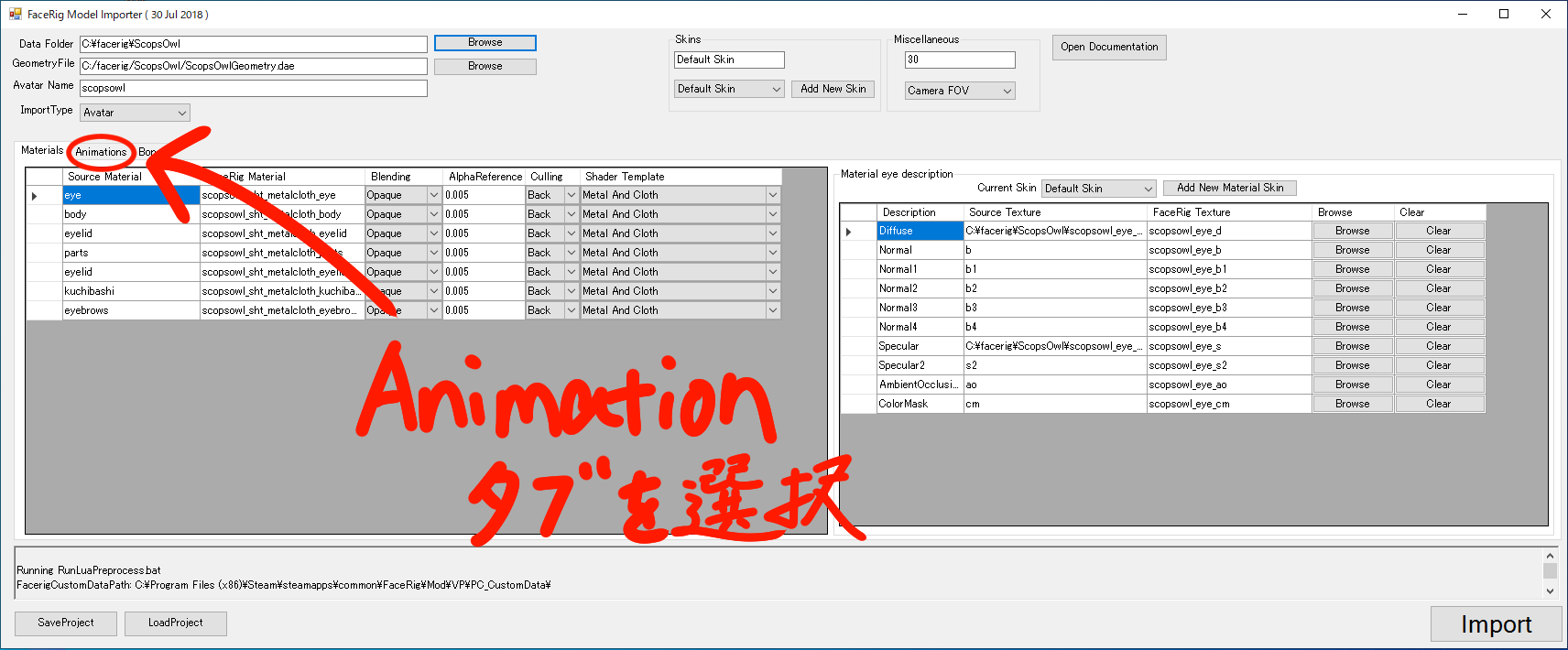
Open the Animation tab. Open “EyeAndEyebrows”, “generalMovement” and “MouthAndNose” in the anim folder of the downloaded folder. Compare the .dae folder and the animation tab in that folder and find the place that is blank with the same name. Press the Browse button in that blank space and select the .dae of the same name.
Textures do not appear.
(The free sample data is just black on white with the word “Sample” written in Japanese.)
It may not have been loaded automatically when importing. Please follow the instructions on the page below and come back without pressing Import!
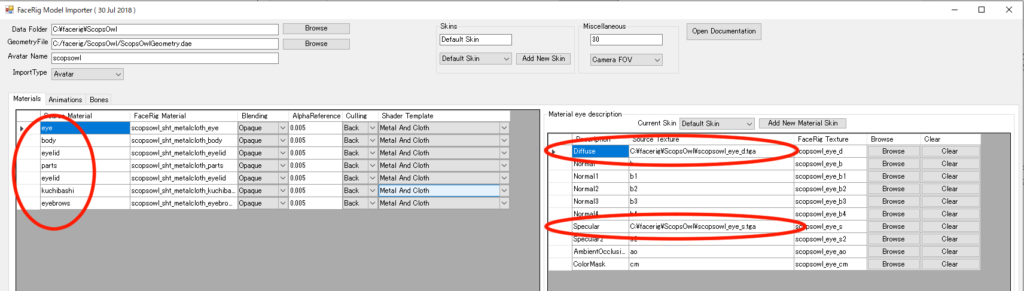
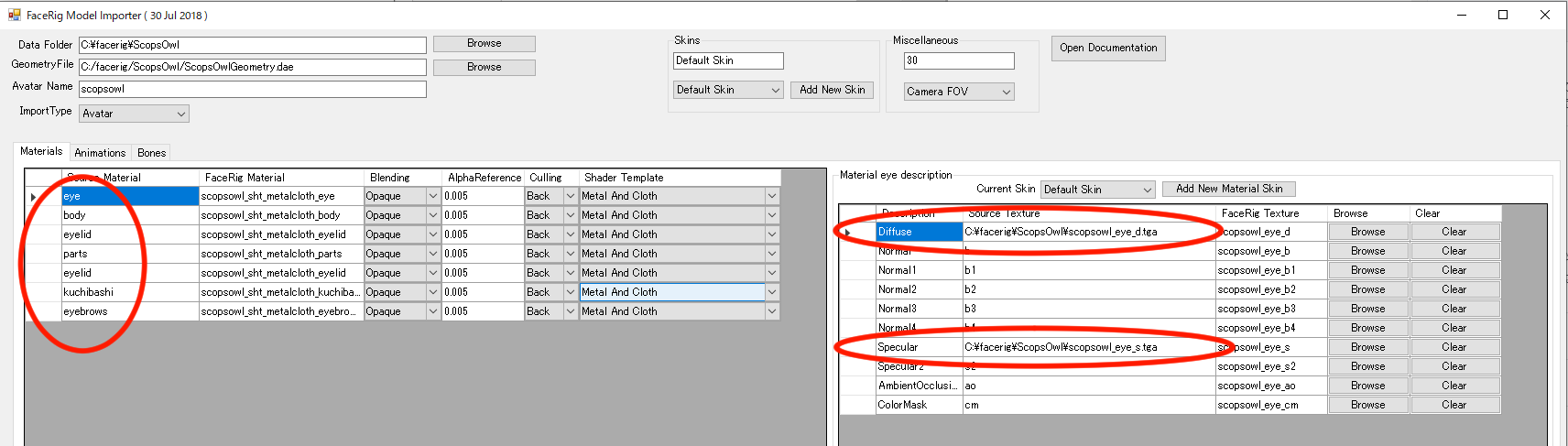
Select each of the parts marked on the left. Make sure that each of them contains the file paths corresponding to the Diffese and Specular marked on the right. If only d and s are present, press Browse button and select the files according to the example below.
Example: If you select eye on the left and the right diffuse has only a “d” instead of a file path
Select ***_eye_d.tga in this data file. Check all parts and if all the Diffuse and Specular fields are filled with file paths, import and check them.